
HR Monster support
Get back to work, clearly.
Tell us what you were trying to do and where it stopped. We will route the issue to the right product, workflow, or integration context.
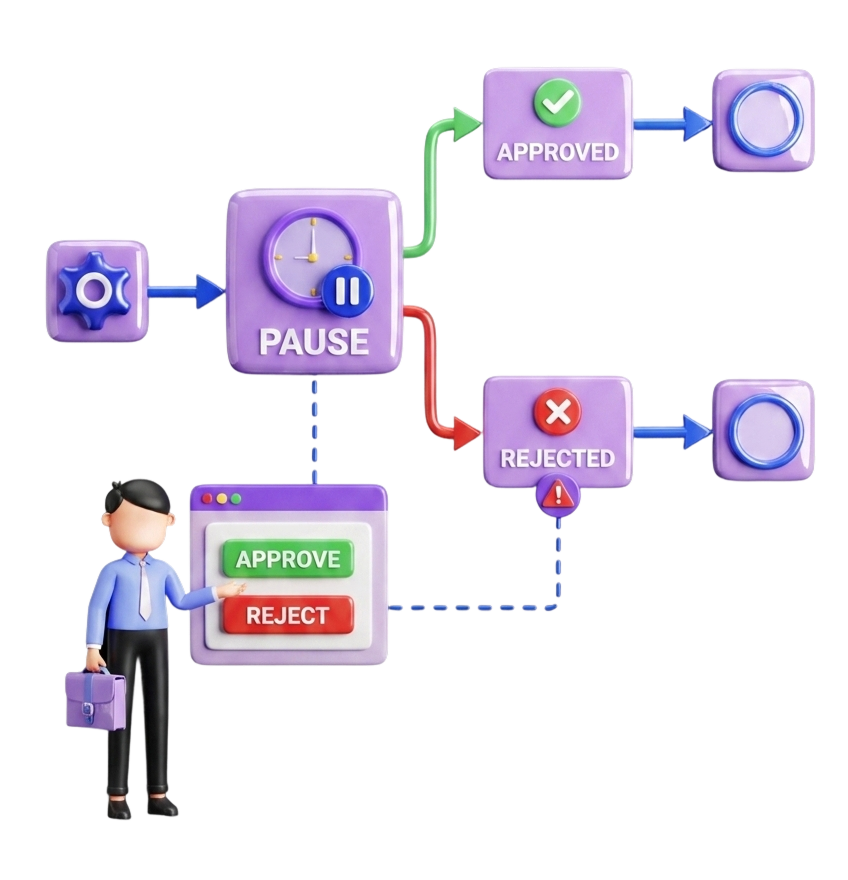
Account · workflow · integration
Choose a route
Start with the context, not a queue.
Use the address below for the fastest routing. Do not send passwords, access tokens, OAuth authorization codes, private keys, or unredacted identity documents.
Reconnect with the permissions you intend to use.
The HR Monster app uses OAuth permissions. Read permissions let the app retrieve permitted tenant data; write permissions may update records, execute workflows, or process leased agent tasks when you request those actions.
- 01
Open the HR Monster app
Choose HR Monster in ChatGPT, then select Connect when the app asks for account access.
- 02
Review access before approving
Sign in on the HR Monster authorization screen and review the requested read or write permissions before you approve them.
- 03
Retry the original request
Return to the conversation and retry. If permissions changed since you first connected, disconnect and reconnect the app.
Useful evidence
Help us see the same moment.
A small amount of precise context is more useful than a large export of sensitive data.
Tenant or company
The HR Monster tenant or organisation affected.
Action and location
What you selected, the page or app, and what you expected.
Time and identifier
Approximate time with time zone, plus a safe run, task, or correlation ID if shown.
Sanitised evidence
A redacted screenshot or exact error text with passwords and tokens removed.
Security overview
Review HR Monster's approach to access, auditability, and operational security.
View securityPrivacy policy
Understand data roles, connected-app processing, retention, and your controls.
Read privacy policyWorkflow support
Send a safe workflow or task identifier and the point where the run stopped.
Contact support